
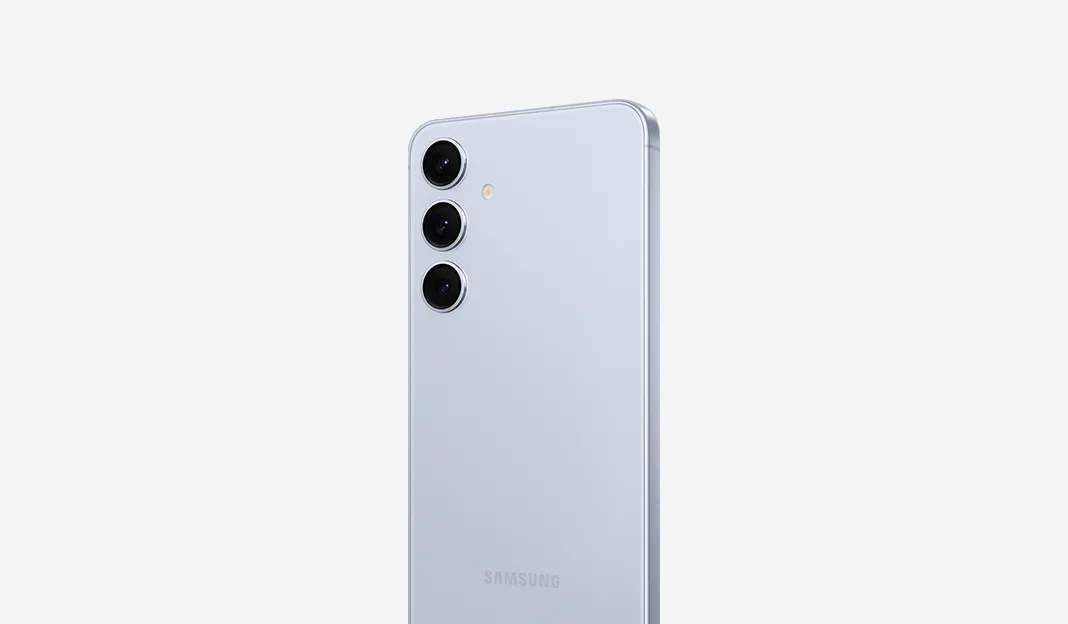
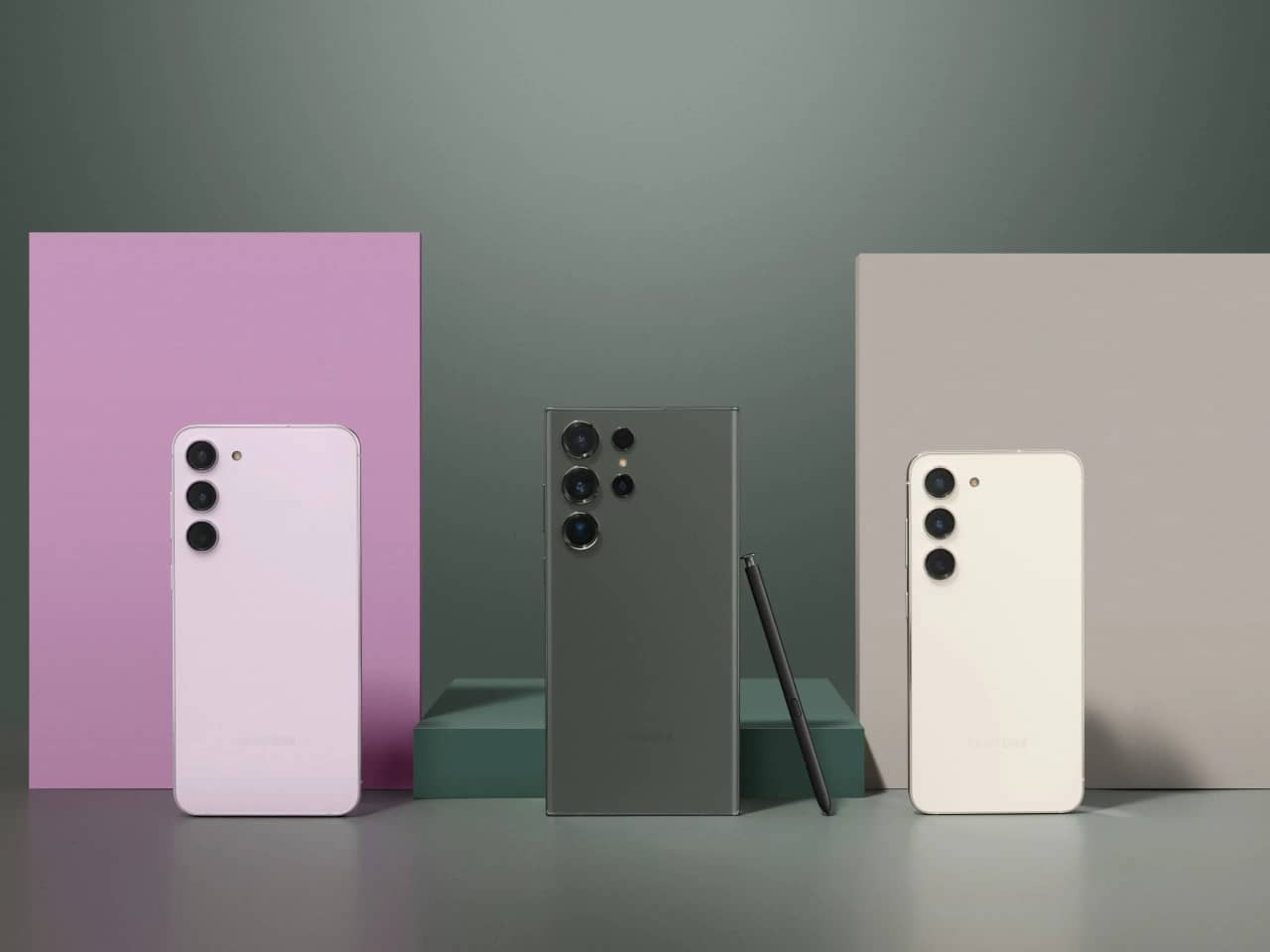
Samsung is rolling out the September 2026 security update to the Galaxy S24, Galaxy S24+, Galaxy S24 Ultra and Galaxy S24 FE. The firmware addresses 90 security issues, but it does not include the stable One UI 9.0 upgrade based on Android 17.
Samsung's latest release gives Galaxy S24 owners another security maintenance update while they wait for the next major software upgrade. According to SamMobile's report , the rollout covers the international variants of the Galaxy S24 family, although availability can vary by model and region.
Galaxy S24 September 2026 update: Firmware versions and download sizes
The update includes different firmware versions for the standard Galaxy S24 models and the Galaxy S24 FE.
| Device | Firmware version | Download size |
|---|---|---|
| Galaxy S24 | S92xBXXSHDZI1 | 450.43MB |
| Galaxy S24+ | S92xBXXSHDZI1 | 450.43MB |
| Galaxy S24 Ultra | S92xBXXSHDZI1 | 450.43MB |
| Galaxy S24 FE | S721BXXSEDZI1 | 438.23MB |
These firmware details and download sizes are reported for the international variants. Other regional and carrier-specific versions may use different firmware identifiers or receive the update at different times.
The update is primarily a security release rather than a feature upgrade. Samsung's September 2026 security bulletin provides information about the month's security maintenance release and the patches included in it.
What does the September security update fix?
According to SamMobile, the September 2026 patch addresses 90 security issues. These fixes are intended to address vulnerabilities affecting Samsung's software and the Android platform.
Security updates are important even when they do not introduce visible changes. Vulnerabilities can affect system components, applications and other parts of the software, so installing available patches helps keep a device protected.
Samsung's security documentation explains that its monthly maintenance releases can include patches from both Samsung and Google. The company also notes that patch availability can vary depending on the device model and region.
The update should not be confused with a major One UI release. It focuses on security maintenance rather than delivering a new interface or a collection of new Galaxy features.
One UI 9.0 is still a separate update
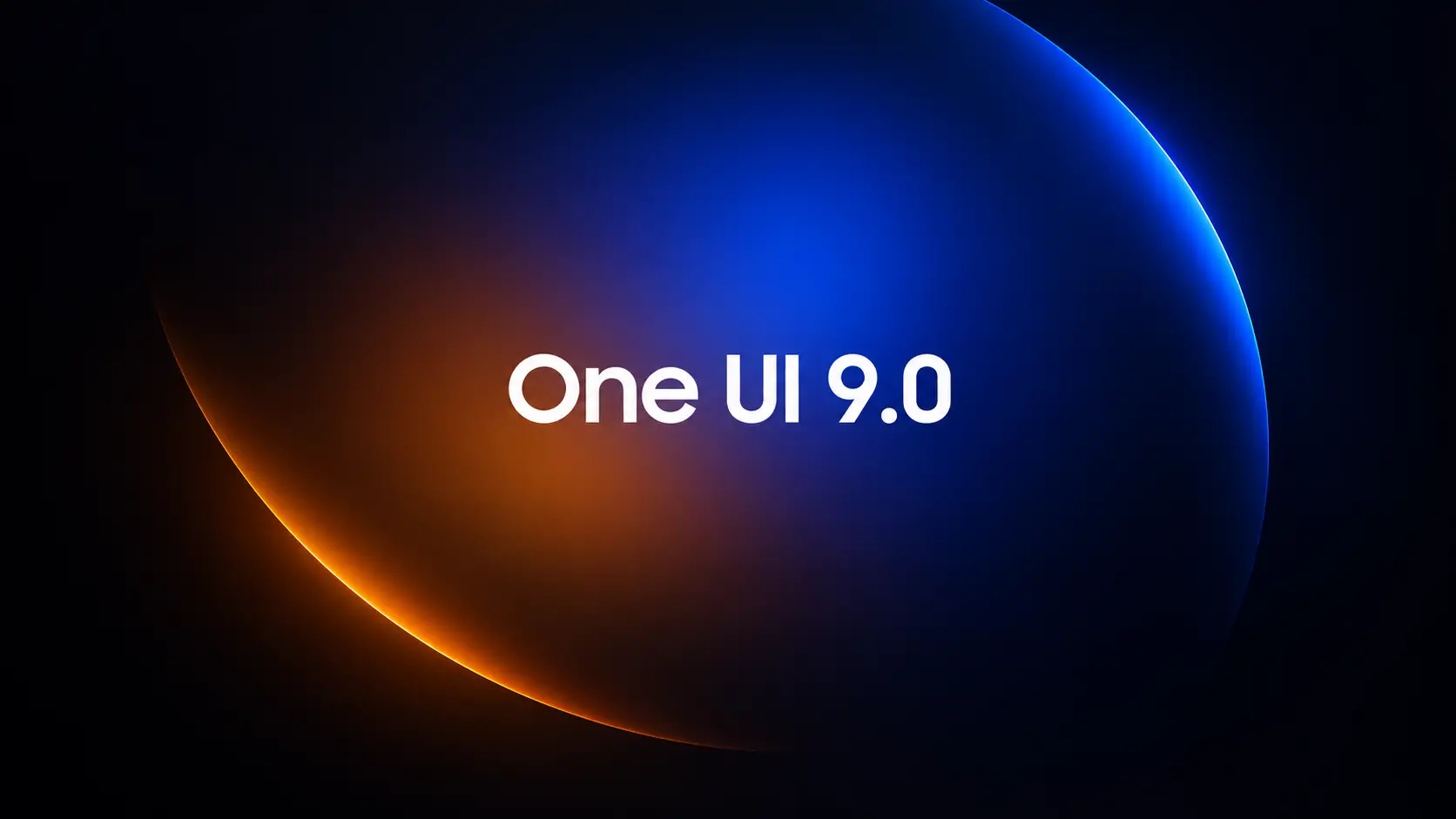
The September firmware does not install stable One UI 9.0, which is based on Android 17.
Samsung's next major software upgrade is a separate release from the monthly security patch. A major One UI update can introduce interface changes, new features, refinements to Samsung apps and other system improvements.
For the latest information about the new software, see our coverage of the One UI 9 rollout and supported Galaxy devices . Samsung's rollout schedule can differ between device families and regions, so eligibility does not necessarily mean that an update is immediately available.
Galaxy S24 owners should also distinguish between major Android upgrades and ongoing security support. Our report on Samsung phones expected to miss One UI 9 explains why software-upgrade eligibility differs across Galaxy generations.
Samsung has not confirmed a stable One UI 9.0 release date for the Galaxy S24 series in the cited report. Owners should therefore avoid treating the September security update as confirmation that the major upgrade is imminent.
How to download the Galaxy S24 security update
You can check for the September 2026 firmware directly from your Galaxy phone.
- Open Settings.
- Scroll down and tap Software update.
- Select Download and install.
- Wait while your phone checks for available firmware.
- If the September security update appears, follow the on-screen instructions to download and install it.
[SCREENSHOT: Settings > Software update > Download and install]
Before installing, connect to a reliable Wi-Fi network, ensure the battery has sufficient charge and keep enough free storage available.
If the update does not appear, check again later. Samsung distributes firmware in stages, and the timing can depend on your exact model, country and carrier. The firmware versions listed above apply to the international variants, not necessarily every Galaxy S24 sold worldwide.
What Galaxy S24 owners should expect next
The September security patch gives Galaxy S24 users security maintenance without changing their One UI version to the next major release.
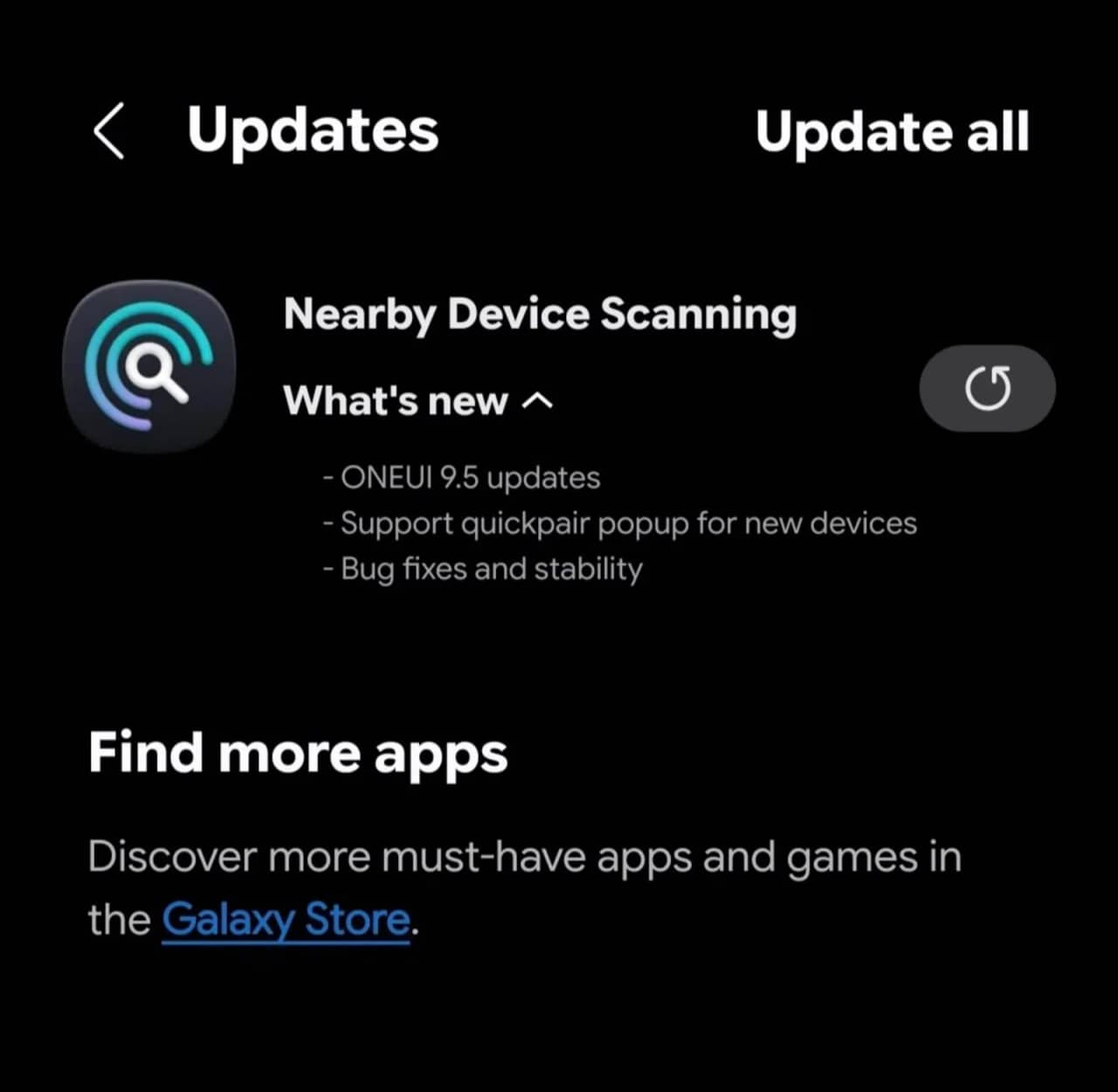
Samsung's software development continues separately from monthly firmware distribution. For example, our coverage of Samsung's One UI 9.5 testing follows developments in its software work, although testing reports should not be interpreted as confirmation of a release date for the Galaxy S24.
For now, Galaxy S24 owners should install the September security update when it becomes available for their device and wait for Samsung to provide confirmed information about the stable One UI 9.0 rollout.
FAQ
Which Galaxy S24 models are receiving the September 2026 update?
The reported rollout covers the Samsung Galaxy S24, Galaxy S24+, Galaxy S24 Ultra and Galaxy S24 FE.
How large is the Galaxy S24 September security update?
The reported download is 450.43MB for the international Galaxy S24, S24+ and S24 Ultra variants. The Galaxy S24 FE update is 438.23MB.
Does the September update include One UI 9.0?
No. It delivers the September 2026 security patch, not the stable One UI 9.0 upgrade based on Android 17.
How do I check whether the update is available?
Go to Settings → Software update → Download and install. If the update is not available, check again later because firmware distribution can vary by region and carrier.
When will the Galaxy S24 receive stable One UI 9.0?
The SamMobile report does not establish a confirmed release date for the Galaxy S24 series. Wait for an official Samsung announcement before relying on a specific rollout date.






Responses (0 )