

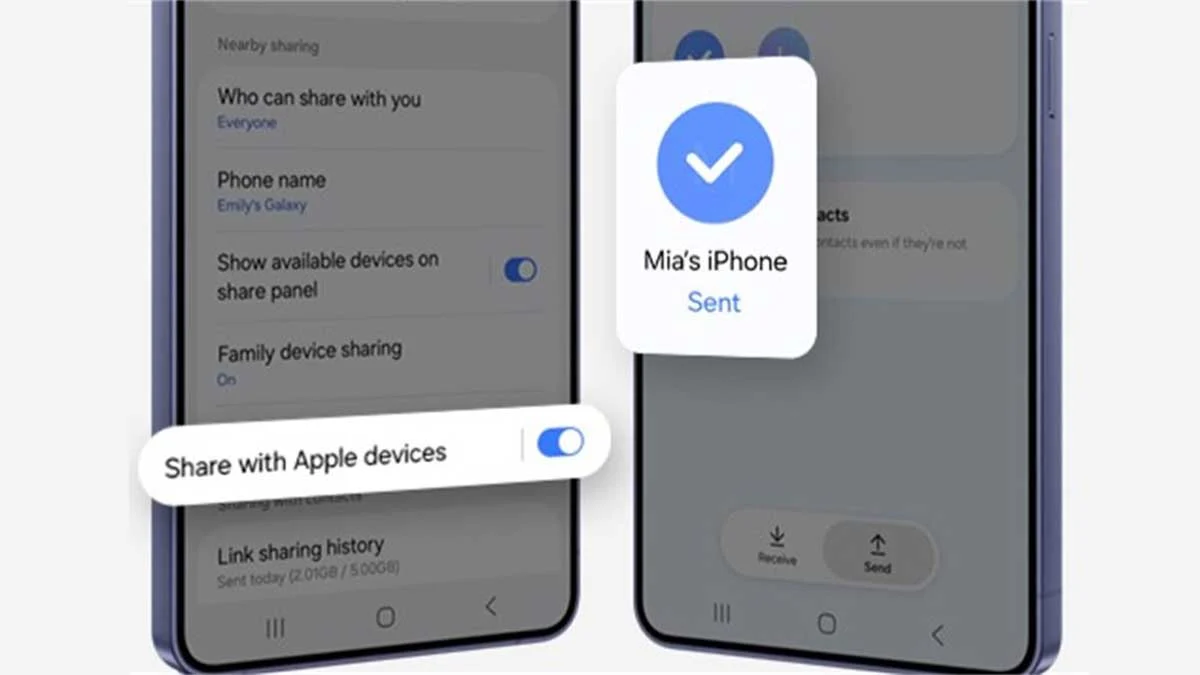
One UI 9 adds Quick Share's AirDrop mode ("Share with Apple devices") to the Galaxy A56, according to two outlets. Samsung hasn't announced it, and most Galaxy A models remain unconfirmed.
Key takeaways
- SamMobile and SammyGuru both show the "Share with Apple devices" toggle on a Galaxy A56 running stable One UI 9.
- Galaxy A57 support rests on a single user post. No outlet has reported the toggle on the A36, A37, A27 or A55.
- Turning it on can drop 5GHz and 6GHz Wi-Fi during transfers, Samsung's support pages say.
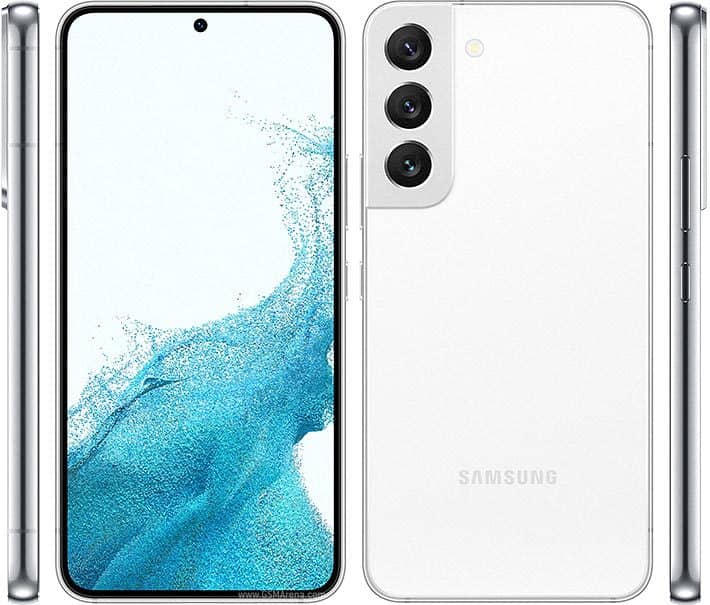
The Galaxy A56 can now send files to iPhones, iPads and Macs through Quick Share after the stable One UI 9 update. SamMobile and SammyGuru each found the new "Share with Apple devices" toggle on their own A56 units.
This report is based on SamMobile's and SammyGuru's reporting. Samsung has not confirmed it. According to Sammyfans, the One UI 9 changelog doesn't mention the feature.
What arrived on the Galaxy A56, and where
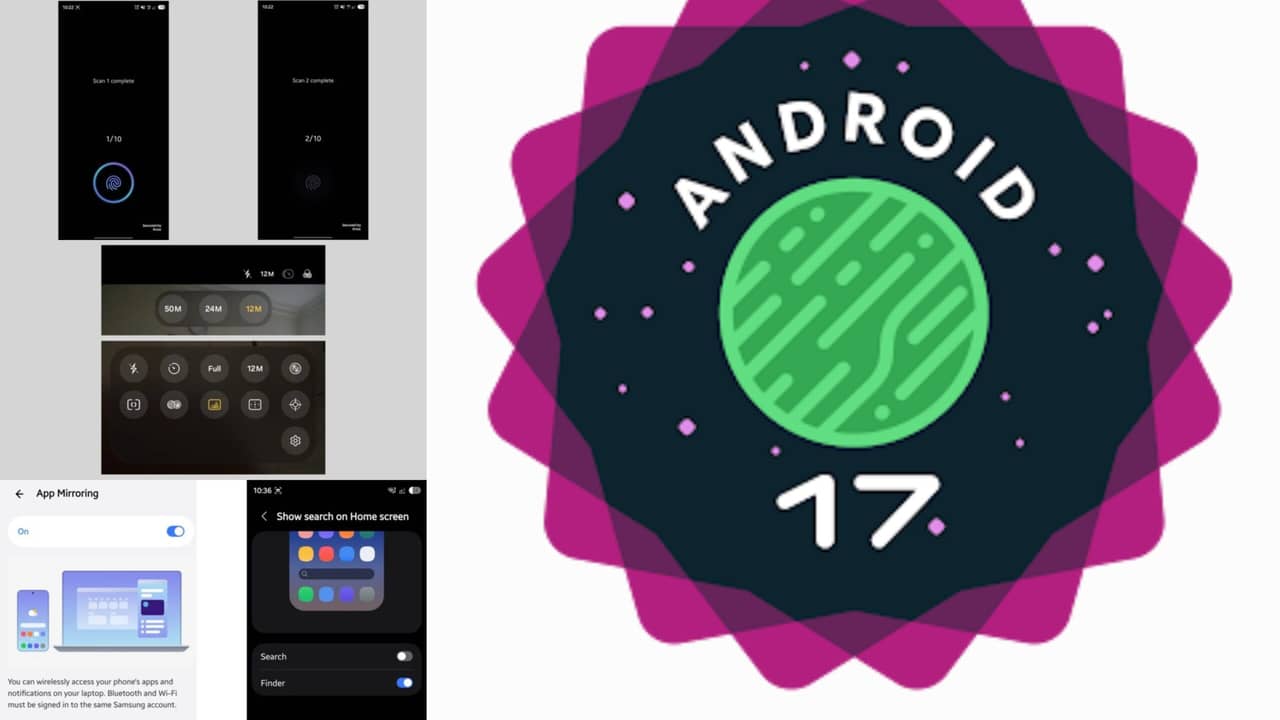
One UI 9 is Samsung's Android 17-based software. It reached the Galaxy A56 in South Korea on October 15, 2026, as firmware A566SKSUADZJ1, according to TechRepublic.
The international build, A566BXXUEDZJ1, began rolling out on October 19. It carries the October 5, 2026 security patch, SammyGuru and TechRepublic report. Indonesia was the first confirmed international market. TechRepublic also reports parts of the Middle East.
SammyGuru says A56 owners didn't see the toggle on One UI 8.5. That makes One UI 9 the first build where it shows up on this phone. Our One UI 9 rollout tracker follows the update by model.
Galaxy A and FE AirDrop status, model by model
| Model | One UI 9 status | AirDrop via Quick Share | Evidence |
|---|---|---|---|
| Galaxy A56 | Stable. Korea, then Indonesia from October 19 | Reported working | SamMobile and SammyGuru screenshots |
| Galaxy A57 | Stable, the first Galaxy A to get it | Unverified | One Samsung Community user. Android Authority said it lacked AirDrop at launch |
| Galaxy A36 | Stable. Korea, then Europe | No reports | Menu appeared in GalaxyClub's March sideload test |
| Galaxy A55 | Not confirmed in sources | No reports | Menu appeared in the March sideload test |
| Galaxy A37 | Stable | No reports | Lacked AirDrop at launch, per Android Authority |
| Galaxy A27 | Stable | No reports | SamMobile said no A2x model showed the menu in March |
| Galaxy S25 FE | Stable | Reported working | Android Authority and Android Police, both via tipster Tarun Vats |
| Galaxy S24 FE | Not confirmed in sources | Unverified | Sammyfans only |
Google's official compatibility list names the Galaxy S26, S25 and S24 series, the Z Fold7, Z Flip7, Z Fold6, Z Flip6 and Galaxy Z TriFold. It lists no Galaxy A or FE phone. Samsung first enabled the feature for older flagships in the One UI 8.5 beta, its Newsroom said on April 9, 2026. S25 owners can check our Galaxy S25 One UI 9 coverage.
Why One UI 9 alone does not guarantee the toggle
Samsung's support page sets two app requirements: Quick Share version 13.8.51.27 or later and Google Play services 26.11.xx or later. Samsung adds that Google provides the compatibility. So the toggle depends on app versions as well as firmware.
SammyGuru says availability may also vary by software region. Two A56 phones on the same build could behave differently for a while.
The S23 shows the gap. It is getting One UI 9, but one Samsung Community user says the toggle is missing there. That report is unverified.
Phones that miss One UI 9 entirely have no reported route to the feature.
Samsung's own pages are behind
Samsung's UK support page still says the feature is S26-only and "will be expanded to select flagship models in the future." The A56 isn't a flagship. Google's list also hasn't been updated recently, PhoneArena notes.
The March sideload menu caused confusion too. GalaxyClub got the toggle to appear on the A56, A36 and A55 by installing app updates manually. 9to5Google tried the same trick on other Galaxy phones and found that transfers to Apple devices still failed.
The Wi-Fi trade-off
Samsung documents several costs for the Galaxy S26 series. SammyGuru reports the A56 shows the same Wi-Fi warning.
| Condition | What happens, per Samsung |
|---|---|
| Entering Quick Share send mode with the toggle on | 5GHz or 6GHz Wi-Fi disconnects |
| Receive mode while Apple devices nearby search for AirDrop | 5GHz or 6GHz Wi-Fi disconnects |
| Mobile Hotspot, Smart View, DeX, Multi Control, Music Share, Camera Share or Storage Share active | Apple devices can't be found |
| Any transfer to Apple hardware | Slower than Galaxy-to-Galaxy |
Samsung's fix for the Wi-Fi drops is simple: switch the toggle off.
How to turn it on
These steps come from Samsung's support documentation.
- On the Galaxy phone, open Settings > Connected devices > Quick Share and turn on Share with Apple devices.
- To receive files, set Who can share with you to Everyone (10 minutes only).
- To send files, the iPhone owner opens Settings > General > AirDrop and selects Everyone for 10 Minutes.
- If sharing fails after a software update, restart the phone once.
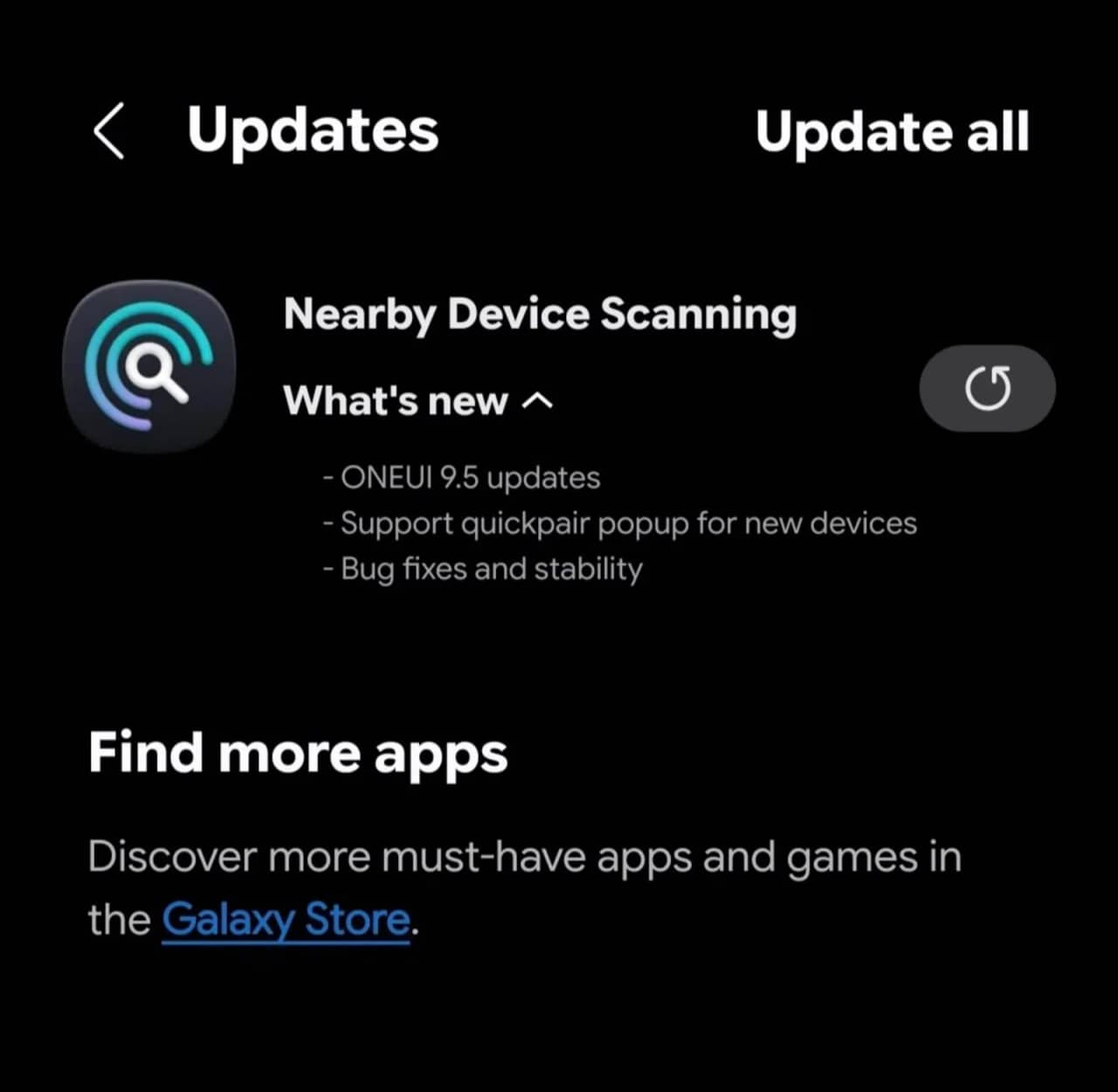
SamMobile also advises updating Quick Share and its related components from the Galaxy Store first.
What this means for you
Galaxy A56 on One UI 9: Update the Quick Share components, then check for the toggle. If you depend on stable 5GHz Wi-Fi, switch it on only when you need to share with an Apple device.
Galaxy A56 still on One UI 8.5: Wait for the update in your market. Samsung's records show only Korea and early international markets so far.
Galaxy A57: Check for the toggle, but treat it as unconfirmed. PhoneArena also reports a bug that left a small number of A57, S24 and S26 Ultra units unusable after the One UI 9 update.
Galaxy A36, A37, A27 and A55: No outlet has reported the toggle yet. Sideloading Quick Share parts brought up the menu in March, but transfers didn't work in 9to5Google's attempt.
Confirmed and still unclear
| Status | Detail |
|---|---|
| Confirmed by Samsung | App version requirements, supported Apple hardware, Wi-Fi behavior, setup steps |
| Reported by two outlets | Galaxy A56 toggle on One UI 9 |
| Reported via a single tipster | Galaxy S25 FE toggle |
| Unverified | Galaxy A57, Galaxy S24 FE, S23 absence |
| Watch for | Samsung or Google updating their support lists, and reports from A36 and A55 owners |
FAQ
Which Apple devices can receive files from a Galaxy A56?
Samsung lists the iPhone 8 or later, iPad 5th generation or later, and MacBooks from 2020 or later.
Will cheaper Galaxy A phones like the A16 or A26 get AirDrop?
No evidence so far. SamMobile reported in March that no Galaxy A1x, A2x or A4x model showed the menu in GalaxyClub's testing.
Does the iPhone need any app?
No. Google's instructions only require the iPhone's AirDrop visibility to be set to Everyone for 10 minutes.
Sources
- Samsung UK: How to use Quick Share, including sharing with Apple devices
- Samsung Gulf: Wi-Fi drops with Share with Apple devices enabled
- Samsung Saudi Arabia: Apple device transfers failing or slow
- Google: Quick Share with iPhone supported devices
- Samsung Newsroom U.S.: One UI 8.5 beta brings AirDrop support to more flagships
- SamMobile: One UI 9 brings AirDrop to the Galaxy A56
- SammyGuru: Galaxy A56 Quick Share AirDrop support
- TechRepublic: Galaxy A56 One UI 9 global rollout
- 9to5Google: AirDrop sideloading test on Galaxy phones
- Android Authority: Galaxy A AirDrop hints and S25 FE support
- PhoneArena: One UI 9 rollout to Galaxy A mid-rangers






Responses (0 )